Falsely Accused of AI Cheating? Hidden Formatting Could Be the Cause
Worried about AI false positives? Learn how hidden HTML tags and bad formatting can trigger AI detectors, and why submitting plain text is your safest bet.
Introduction
Imagine this: You spent weeks researching, outlining, and writing an essay. You typed every word yourself. You submit it, confident in your grade. Two days later, you receive an email accusing you of using AI.
The rise of AI detectors has birthed a new nightmare for students and writers: the False Positive. While much of the debate focuses on writing style, there is a silent culprit that often goes unnoticed: Document Formatting.
When you copy-paste citations, move text between apps, or use rich-text editors, you are often copying hidden code that can confuse automated systems. This article explores why "cleaning" your text is a crucial step in proving your authorship.
Table of Contents
- The Invisible Metadata Problem
- Why "Rich Text" Can Look Like Cheating
- The Safety of Plain Text
- Best Practices for a Clean Submission
- FAQ
- Conclusion
The Invisible Metadata Problem
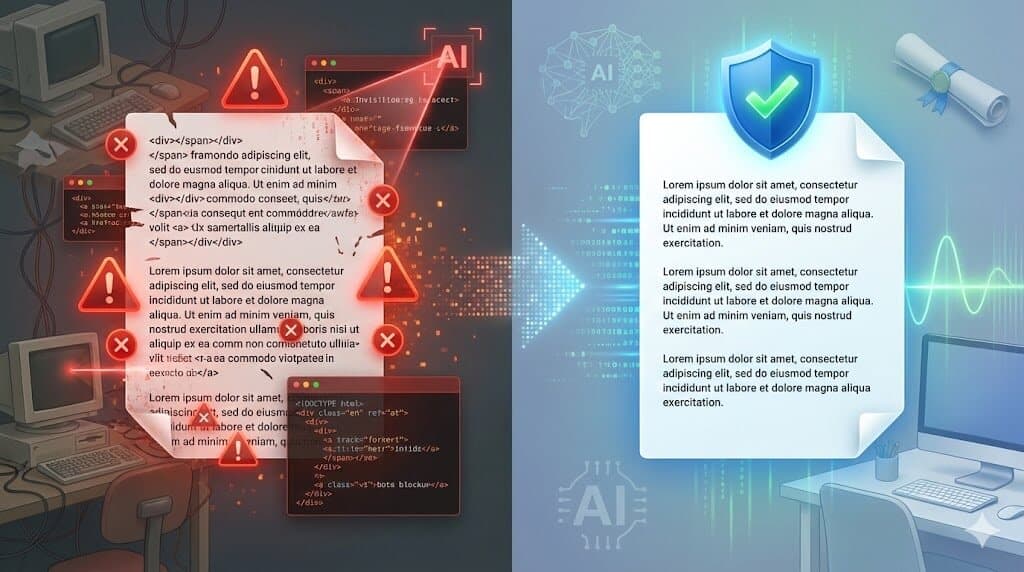
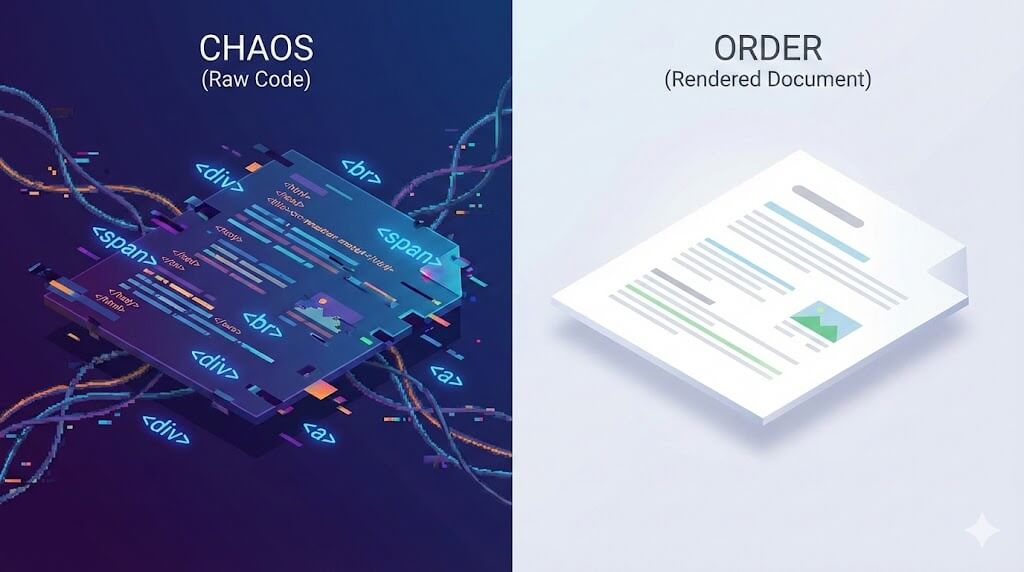
When we look at a document, we see words on a page. When an algorithm (like an LMS or AI detector) looks at a document, it sees the underlying code.
If you have ever copied a quote from a PDF or a website and pasted it into your document, you might have brought along "digital baggage." This includes:
- Non-standard spaces (Zero-width spaces).
- Hidden HTML span tags.
- Mixed font encodings.
Why "Rich Text" Can Look Like Cheating
AI detectors and plagiarism checkers look for anomalies. In the past, students used "obfuscation" techniques (like inserting white text or mixing Cyrillic characters) to trick scanners.
Today, unintentional formatting errors can mimic these cheating tactics.
- Inconsistent Styling: If one paragraph has a slightly different underlying font structure because it was pasted from a browser, a detector might flag it as "inorganic."
- Character Swapping: Some rich text editors auto-replace standard quotes with "smart quotes" or proprietary characters, which can confuse strict text parsers.
If your document looks like a "Frankenstein" of code snippets, algorithms may flag it for manual review—or worse, mark it as AI-generated.
The Safety of Plain Text
The solution is counter-intuitively simple: Strip the formatting.
By converting your draft to Plain Text, you strip away all the hidden metadata, styles, links, and potential code artifacts. You are left with the raw data: your words.
Submitting or checking your work in a plain text environment ensures that:
- Zero Hidden Code: There are no stray tags to confuse the algorithm.
- Uniformity: The entire document has a single, consistent encoding (usually UTF-8).
- Focus on Content: You force the detector to analyze your syntax and logic, not your formatting errors.

Best Practices for a Clean Submission
To protect your academic integrity, follow this "Sanitization Workflow":
- Draft in Peace: Write your first draft however you prefer.
- The "Car Wash": Before your final polish, copy your entire text.
- Paste & Clean: Paste it into a plain-text tool to strip all formatting.
- Re-format Intentionally: Paste the clean text back into your final document and apply formatting (bold, headers) using the word processor's native tools.
FAQ
Q: Will cleaning my text guarantee I pass AI detection? A: No tool can guarantee 100% immunity, as AI detectors are probabilistic. However, cleaning your text removes technical anomalies that often trigger false flags, reducing your risk significantly.
Q: Does this remove my citations? A: It removes the formatting of citations (italics, links), but the text remains. You will need to re-apply italics or hyperlinks, but this ensures the underlying code is clean.
Q: Why can't I just use Notepad? A: You can, but web-based tools are faster and don't require saving/opening files for quick copy-paste jobs.
Conclusion
The anxiety of being falsely accused of using AI is real. While we cannot control how the algorithms work, we can control the quality of the data we feed them. Don't let a stray HTML tag from a website copy-paste jeopardize your reputation.
Take control of your digital footprint. Before you submit your next assignment, run it through CleanPaste.org. It instantly strips away hidden formatting and "digital junk," ensuring that your professor judges your ideas—not your file's messy code.